Crumbl
Find a store. Follow the delivery.
In 2023 I worked on the Crumbl customer iOS app. I rebuilt its map views and made a theme library that other iOS apps adopted.
The problem
Customers need to find a nearby store and see where their delivery is.
The company also planned a brand refresh and more brands. Colors, type, and styles needed one shared home across several iOS apps.
Rebuild the maps
I rebuilt the map experience in the customer app. I added map views to find a store and to track a delivery.
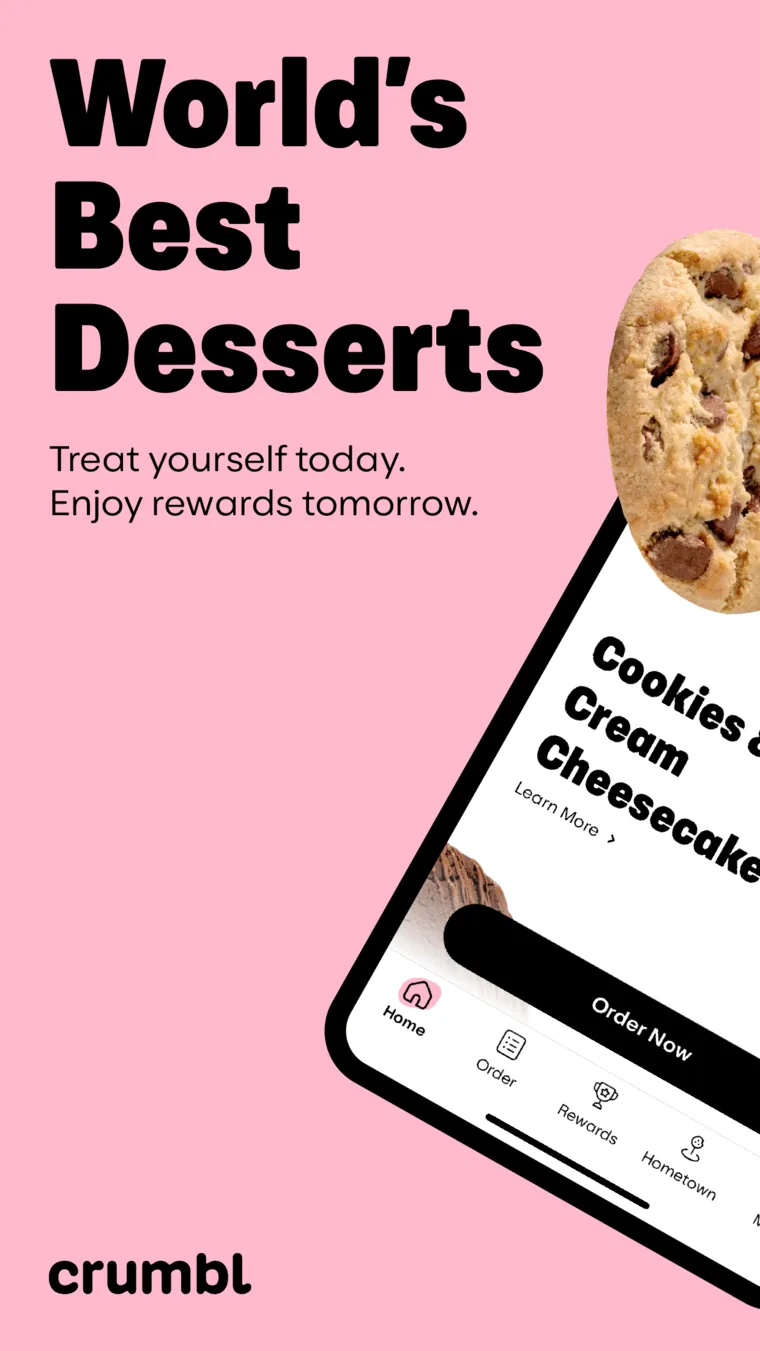
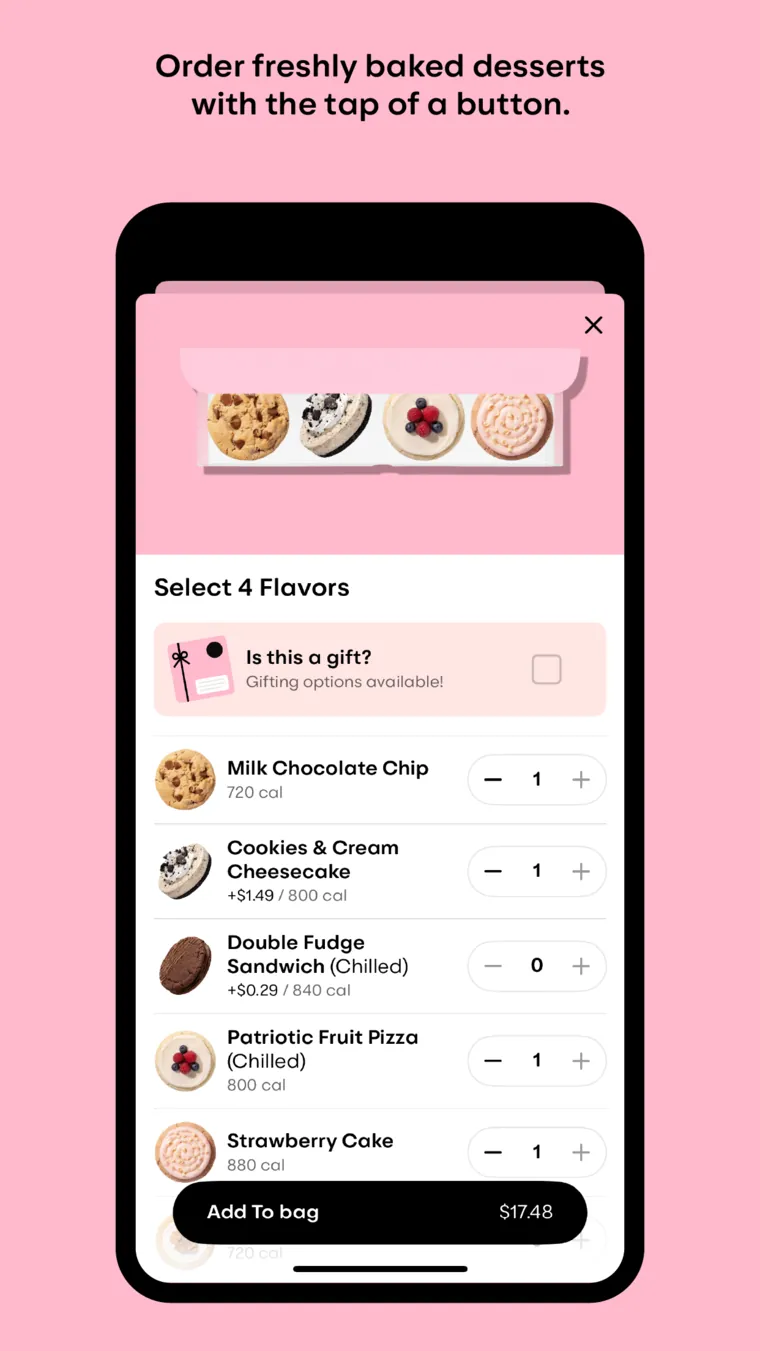
These App Store images show the brand and today's order screens. They are product context, not my map work.
Share one theme library
I built a shared theme library for colors, type, and visual rules. Screens take their styles from the library.
Other iOS apps adopted the library soon after release. Developers built themed screens faster.
- Theme library Colors, type, and visual rules in one package.
- Customer app Store, map, and order screens read the theme.
- Other iOS apps Adopt the same package.
- Brand refresh Starts in the theme, not in every screen.
Give staff their own tools
I built internal staff features: training video, progress tracking, and a calendar with a to-do list.
I also set up an app architecture that made the code testable. It gave new developers a pattern they could follow quickly.
What I built
- Store discovery and delivery tracking map views
- Shared iOS theme library
- Staff training video and progress tracking
- Hybrid calendar and to-do view for staff
- Testable app architecture and patterns for the team
Result
- Other iOS apps adopted the theme library soon after release.
- I won Crumbl's internal Shark Tank competition with a data-driven proposal to increase sales.
The App Store images show the current Crumbl brand and order screens. They are not my map or order work. The diagram is a reconstruction, not an internal drawing.